Client
Complori
Industry
EdTech
Category
Web App
Role
Product designer
Location
Berlin, DE
Timeline
2023-2024
I redesigned the learning platform for Complori, an EdTech company offering live coding courses for kids. This showcase focuses on the product improvements that helped increase engagement, trial conversion, and retention.


The platform primarily served as a lesson scheduler, offering limited value beyond upcoming classes. Learners struggled to understand class status, discover important actions, and stay engaged between live sessions. The redesign focused on turning the platform into a more connected and engaging learning experience.
Key issues
No visibility into real-time class status
Poor discoverability of key learning actions
Ineffective onboarding for new learners
Low engagement between live classes
Design goals
Surface real-time learning states
Improve feature discoverability
Help learners get started with confidence
Increase engagement between lessons
The work followed a Double Diamond approach, combining research, exploration, validation, and cross-functional collaboration. Since this showcase focuses on outcomes rather than process, the following sections highlight the key challenges addressed, the solutions implemented, and their impact on the learning experience.


KEY IMPROVEMENTS
The overview below highlights the key product improvements introduced across the platform before exploring each initiative in detail.

Problem
Users had no real-time visibility into class status.
Solution
Impact
Role


Problem
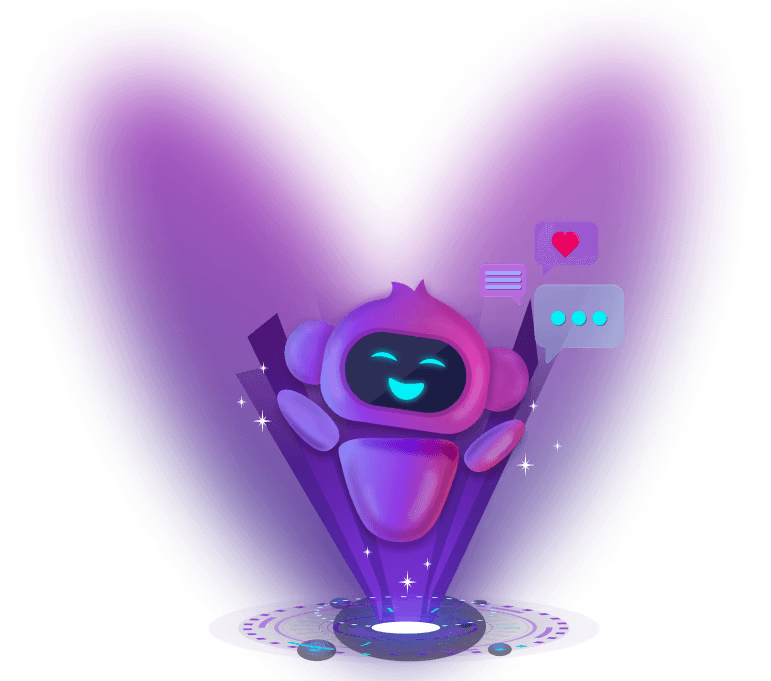
Kids disengaged between live classes and lacked on-demand coding support.The company planned a basic AI chatbot, but a faceless tool risks low adoption with children.
Solution
Designed Codementor, an AI Learning Assistant that answers coding questions, delivers daily challenges, and guides learners across the platform.
Impact
DAU increased by 24%, and sessions between live classes rose by 18% within the first two weeks after launch.
Role
Led the evolution of a basic chatbot concept into a full AI Learning Assistant; designed the Codementor mascot from research and concept to testing, animation, and implementation.

Problem
New learners started trials unprepared, struggled with setup, and rarely explored the product—resulting in only 10% trial-to-paid conversion.
Solution
Designed a guided onboarding experience combining a setup checklist, interactive product tour, and contextual learning assistant.
Impact
Trial-to-paid conversion increased 3.6× (10% → 36%), while learner preparedness rose from 45% to 82% and onboarding usability reached SUS 85.
Role
Led the end-to-end onboarding redesign, from identifying friction points to designing a guided onboarding experience.
CERTIFICATE OF COMPLETION
Problem
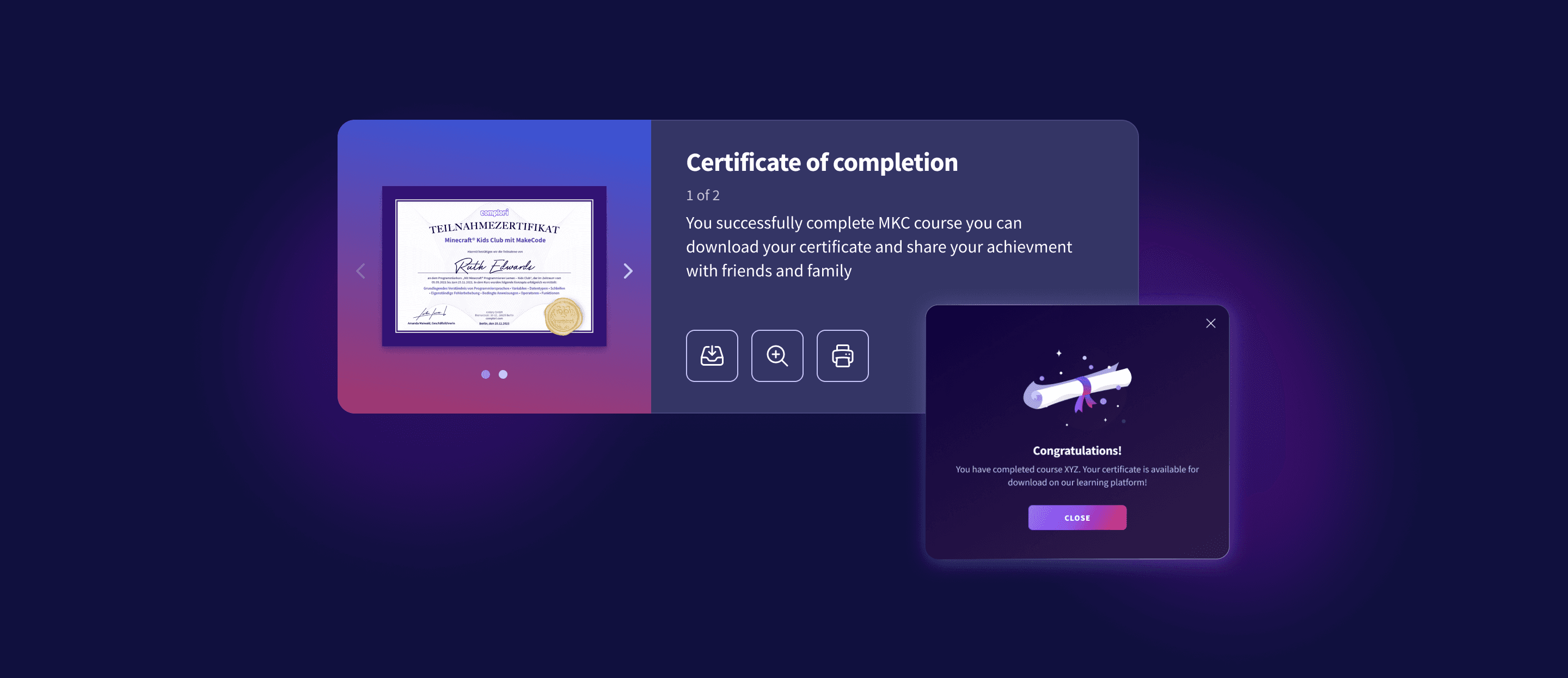
Customer Support created every certificate manually, making the process slow, error-prone, and difficult to scale.
Solution
Designed an automated certificate system that generates personalized certificates upon course completion.
Role
Led the end-to-end feature design, defining templates, completion logic, and the automation flow with engineers.
Impact
Reduced certificate handling from ~5 minutes to seconds, saving ~12 CS hours per month and enabling effortless scaling.
Problem

Students struggled to see their progress, lost motivation between lessons, and were less likely to return or continue their subscription.
Solution
Designed an interactive dashboard with progress tracking, achievements, daily streaks to increase motivation, engagement, and retention.
Role
Led the end-to-end design process, from problem framing and concept exploration to interaction design, visual system, and motion.
KEY RESULTS
The redesign streamlined navigation, added motivating features, and made the platform scalable. My work across these features drove the results below:

WHAT I LEARNED
Build fast, iterate faster
Startups don't wait for the perfect product. We built, tested, and iterated quickly, using continuous feedback to improve the product.
Design & development as one team
Design wasn't a handoff. Working closely with engineers helped us balance user needs, technical constraints, and delivery speed from day one.

This project was created as part of my work at Complori and is presented solely to demonstrate my design contributions and professional experience. All product, brand, and intellectual property rights remain with Complori.